Introduction
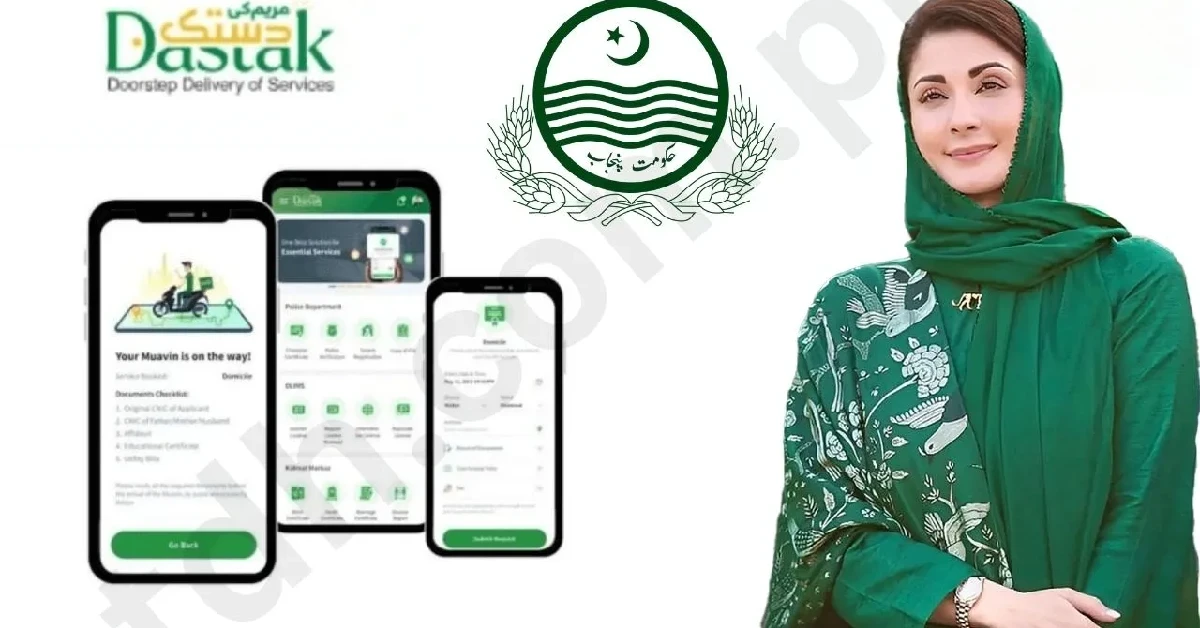
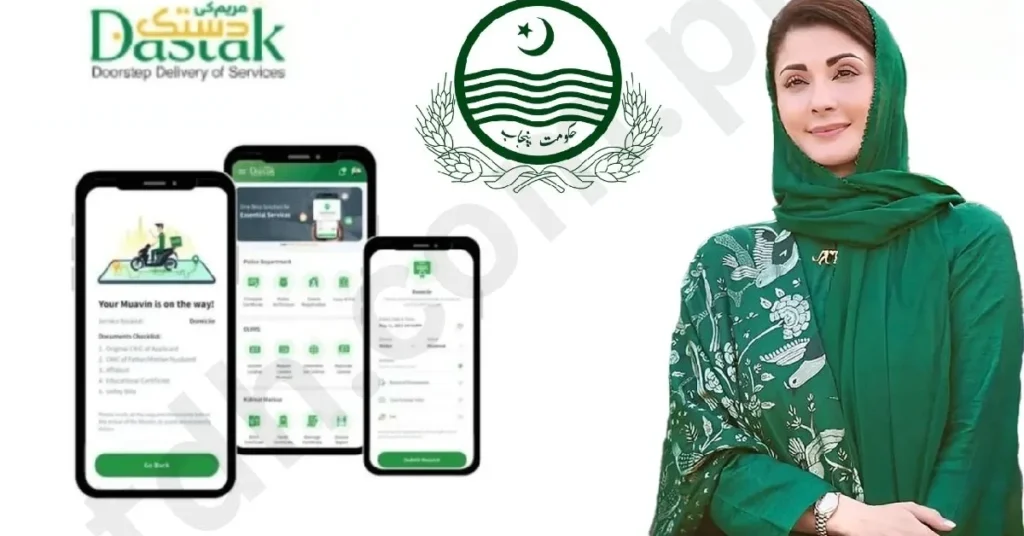
Imagine living in a world where government services are at your fingertips, as easy as sending a message or ordering food online. Sounds like something straight out of the future, right? Well, that future is now here, thanks to the Maryam Ke Dastak App. This smart app is changing the way citizens in Punjab interact with their local government, making everything more accessible, efficient, and transparent. In this article, we’ll take you through everything you need to know about this groundbreaking app — from its features to how it’s benefiting the people of Punjab in 2025.
Latest Updates for 2025
The Maryam Ke Dastak App has undergone several updates this year, enhancing its usability and making it even more helpful for the citizens of Punjab. Here’s what’s new in 2025:
- Improved User Interface (UI): The app now has a more intuitive, user-friendly interface, making it even easier for people of all ages to use.
- Expanded Service List: Citizens can access more government services than ever before, from filing complaints to tracking the status of various applications.
- Real-Time Updates: Now, users can get instant notifications about the status of their requests, ensuring they’re always in the loop.
- Increased Security: With added encryption and stronger security measures, your personal data is safer than ever when using the app.
- Voice Integration: The app now includes voice commands, making it accessible for people who may have trouble typing or navigating the app manually.
Benefits and Advantages of the Maryam Ke Dastak App
1. Easy Access to Government Services
One of the biggest benefits of the Maryam Ke Dastak App is the ability to access government services right from your smartphone. Whether it’s applying for a new identity card, submitting a complaint about local issues, or checking the status of a public service request, you can do it all in just a few taps.
2. Time-Saving Convenience
No more waiting in long lines at government offices or filling out endless paperwork. With the app, you can handle most administrative tasks on the go, saving you time and effort. Plus, it eliminates the need for physical visits to government offices, making it easier for people who live in remote areas.
3. Transparency and Accountability
The app promotes transparency by allowing citizens to track the status of their requests in real-time. Whether it’s a utility bill issue or a local community development project, you’ll always know what’s going on. This helps hold public officials accountable and ensures that services are delivered in a timely manner.
4. Instant Notifications
No more wondering when your application is being processed or if your complaint is being addressed. The app sends real-time notifications so you can stay updated every step of the way. This feature reduces anxiety and keeps you informed at all times.
5. Accessibility for All
Whether you’re tech-savvy or not, the app is designed to be user-friendly for everyone. Its simple design and easy-to-follow instructions ensure that people of all ages and backgrounds can navigate it with ease.
6. Promoting Digital Literacy
By encouraging citizens to use the app, the Punjab government is helping improve digital literacy across the state. People who may have been intimidated by technology are now learning how to use smartphones and apps for everyday tasks, which will have long-term benefits.
7. Voice Assistance
For people who find it hard to read or type, the voice integration feature is a game-changer. Users can simply speak their requests, and the app will handle the rest. This makes it more inclusive, especially for seniors or those with disabilities.
How the Maryam Ke Dastak App Works
Here’s a simple breakdown of how the app works:
Step 1: Download and Register
You can download the app from the Google Play Store or Apple App Store. Once installed, you’ll need to create an account by providing some basic information like your name, email, and phone number.
Step 2: Choose Your Service
Once you’re logged in, the app will present you with a list of available services. Whether you need to report an issue, apply for government documents, or check your application status, simply choose the service you want.
Step 3: Fill Out Forms
For some services, you’ll need to fill out simple forms. The app guides you through this process step by step, ensuring you don’t miss anything important.
Step 4: Submit and Track
After submitting your request, the app will give you a confirmation and let you track your request’s progress. You’ll receive notifications if there are any updates or if further action is needed from you.
Step 5: Receive Assistance
If you encounter any issues or need help, the app also offers a customer support feature. You can reach out to support directly through the app and get help with any problems.
Common Mistakes to Avoid
While using the Maryam Ke Dastak App is generally simple, there are a few common mistakes people make. Let’s take a look at them so you can avoid them:
1. Skipping the Registration Process
You might think you can use the app without registering, but this is a big mistake. Some services require you to have an account, so make sure you complete the registration process properly.
2. Not Providing Accurate Information
Be sure to double-check your information before submitting forms. Incorrect details can delay your request or cause issues down the line.
3. Ignoring Notifications
If you receive a notification from the app, don’t ignore it! It might be an important update about your request or a reminder for you to take action.
4. Using Outdated Versions of the App
It’s easy to forget, but keeping your app updated is crucial for enjoying the latest features and improvements. Always download updates when prompted.
Step-by-Step Guide to Report an Issue
Let’s say you need to report a problem in your area, like a streetlight that’s broken or a pothole that needs fixing. Here’s how you can do it through the Maryam Ke Dastak App:
1. Open the App
Launch the app on your smartphone.
2. Select the Issue
From the main menu, select the “Report an Issue” option.
3. Describe the Problem
You’ll be asked to provide details about the issue. Type in the location and a brief description of the problem.
4. Upload Photos (Optional)
If possible, upload photos of the issue. This will help the authorities understand the problem better.
5. Submit
Once everything is filled out, hit the “Submit” button. You’ll receive a confirmation and a tracking number.
6. Track the Status
After submission, you can track the progress of the issue through the app. If there’s an update or action needed, you’ll get a notification.
Conclusion
The Maryam Ke Dastak App is a true game-changer for the citizens of Punjab. With its user-friendly design, transparency, and accessibility, it’s revolutionizing the way people interact with their government. Whether you’re applying for a document, reporting an issue, or just staying updated on your services, this app makes everything smoother, faster, and more efficient.
So, if you’re a Punjab resident and haven’t yet explored the app, what are you waiting for? Download it today and start enjoying the benefits of smart governance right at your fingertips!
FAQs
1. Is the Maryam Ke Dastak App available for both Android and iOS?
Yes, the app is available for both Android and iOS devices.
2. What kind of services can I access through the app?
You can access a wide range of government services, including reporting issues, applying for documents, and checking the status of your requests.
3. How do I track my requests in the app?
Once you submit a request, you can track its progress through the app’s notifications and status update features.
4. Is the app secure to use?
Yes, the app uses strong encryption and security measures to ensure your personal information is protected.
5. Can I get help if I face issues with the app?
Yes, there is a customer support feature within the app that you can use to get assistance if you face any issues.