BISP Check Balance Online by CNIC 2026 (Simple, Safe, Step-by-Step Guide)
If you (or someone in your family) gets support from the Benazir Income Support Programme, the most common question is super simple: “Has my payment arrived yet?” And honestly… nobody wants to stand in a long line just to hear “system down.” 😅
That’s why people search bisp check balance online by cnic 2026—because checking from home (or even from a tiny phone shop) can save time, travel money, and a lot of stress.
This guide explains the easiest ways to check your BISP payment status using your CNIC, what the latest updates mean, and how to avoid the scams that are sadly everywhere.
What does “BISP balance check by CNIC” actually mean?
Let’s clear this up in very simple words.
When people say “balance check,” they usually mean:
- Are you eligible right now?
- Is your installment released or still pending?
- Where and how can you collect the money?
Your CNIC (Computerized National Identity Card) number is like your ID key in the system. Many official checks are built around it—especially the 8171 web portal and 8171 SMS service.
Latest updates you should know (based on official and major reports)
Things in BISP can change by year—amounts, payment methods, verification rules, and the way you receive money.
1) The Benazir Kafalat installment increased to Rs. 13,500 (from January 2025)
BISP leadership announced that the quarterly Benazir Kafalat installment increased from Rs. 10,500 to Rs. 13,500 starting January 2025.
2) More banks were included for payments (six-bank model)
BISP signed agreements with six banks to expand and improve the payment system, aiming for smoother withdrawals and better coverage.
3) Strong warning: official messages come from 8171
BISP and major outlets have repeatedly warned: only trust messages from 8171. Random numbers, WhatsApp “agents,” and “registration fees” are classic scam moves.
4) Digital wallets + free SIM distribution has started (rolling out in phases)
BISP has been moving toward wallet-based payments for beneficiaries, including free SIM distribution and wallet activation with biometric verification, as reported by major news outlets.
Quick note (important): Payment methods can differ by district and phase. The safest habit is: confirm your status first through 8171 portal/SMS, then follow the collection method mentioned for your case.
Why checking online (or by SMS) is a big win
Here’s what you gain:
- No unnecessary trips to offices
- Less chance of misinformation from random people
- Faster planning (you know if it’s released or pending)
- Better safety (you avoid shady “agents” asking for money)
Also, if something is wrong (like biometric issues or missing verification), you find out earlier—and fix it earlier.
Before you check: a quick “don’t get stuck” checklist
Take 30 seconds and make sure:
- Your CNIC is 13 digits (no dashes)
- Your CNIC is valid/not expired (expired CNIC often causes trouble)
- If using SMS, use a phone/SIM that you actually use and can access
- Don’t share your CNIC photo, OTP codes, or fingerprints with random people (yes, people ask—no, you should not give)
And please remember: BISP messages are only from 8171. If someone says “send money to receive money,” that’s not help—that’s a scam in a suit.
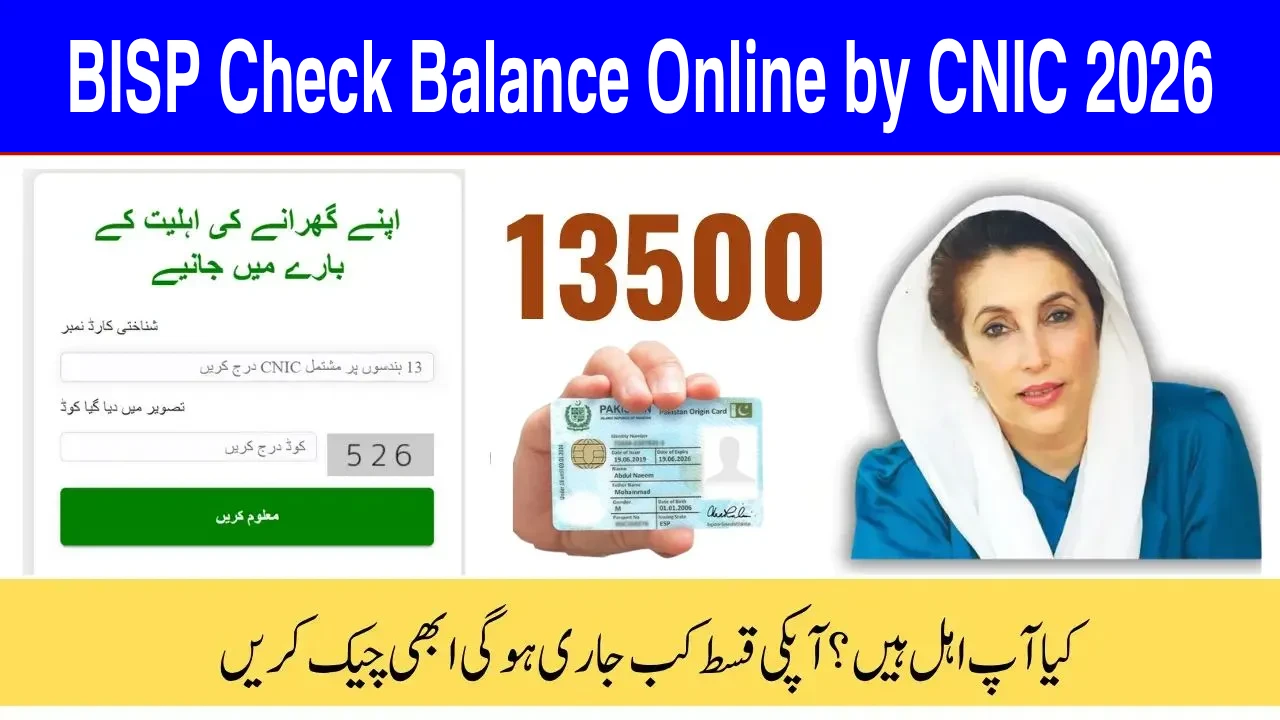
Method 1: Check your BISP status through the official 8171 web portal (Step-by-step)
This is the most “quiet and clean” method—no talking, no queues.
Step-by-step
- Open your internet browser on a phone or computer.
- Go to the official 8171 web portal.
- Enter your 13-digit CNIC number (no spaces or dashes).
- Enter the captcha code shown on the screen.
- Submit to view your status.
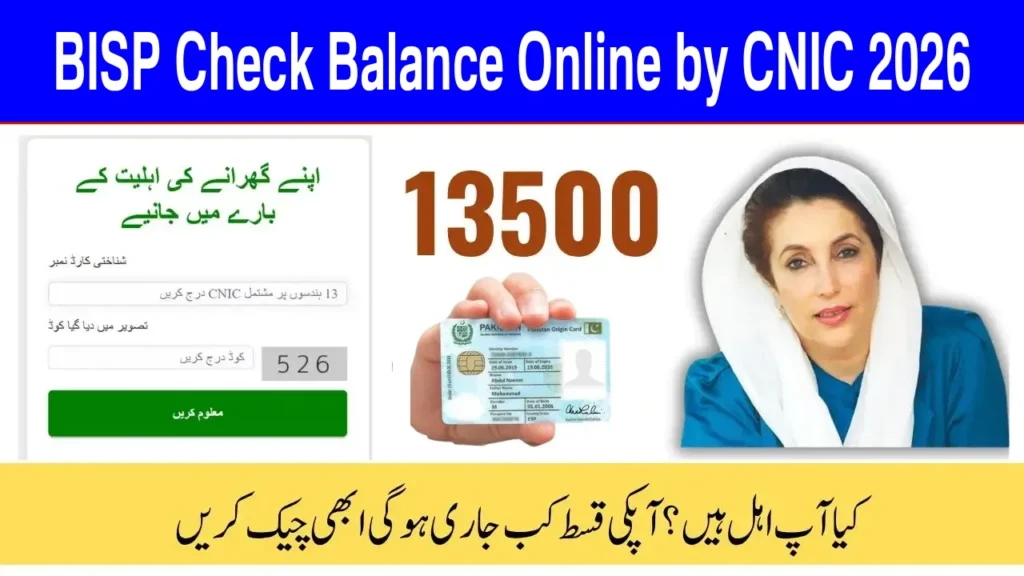
The portal is specifically built for checking household eligibility/status using CNIC + captcha.
What you might see on the portal
Different wording appears over time, but the meaning is usually one of these:
- Eligible / Payment released → good news, follow collection instructions.
- Eligible / Payment not released yet → wait for the next cycle or phase.
- Not eligible / Under verification → you may need a survey update or verification.
- Data issue → CNIC mismatch, incomplete info, or record needs updating.
If the portal is slow or not loading
Don’t panic. It happens—especially near payment days.
Try:
- Refresh once or twice (not 25 times like it’s a video game 😄)
- Try again after some time
- Use SMS method (below) as a backup
Method 2: Check via SMS to 8171 (Fastest for basic phones)
No internet? No problem.
Step-by-step
- Open your phone’s Messages (SMS) app (not WhatsApp).
- Type your 13-digit CNIC (example: 3520XXXXXXXXX).
- Send it to 8171.
- Wait for a reply message with your status.
This CNIC-to-8171 method is widely used and repeatedly confirmed in official messaging guidance (and reinforced by warnings that only 8171 is genuine).
If you don’t receive an SMS reply
Common reasons:
- Network issues or short-code blocks in some cases
- Typing CNIC wrong (one digit off = system says “who are you?”)
- SIM problems (inactive SIM / poor signal)
- Too many repeated attempts in a short time
If it fails, wait a bit and try again carefully. If it keeps failing, use the helpline method below.
Method 3: Call the official BISP helpline (when you need a human)
Sometimes you don’t just want a status—you want clarity.
BISP lists the helpline as 0800-26477 on its official website, and it’s also mentioned in official guidance about complaints and deductions.
When the helpline is useful
- Your payment shows “released” but you can’t receive it
- Someone deducted money from your payment
- Your biometric verification keeps failing
- You suspect fraud and want proper guidance
Tip: Write down your CNIC number before calling so you don’t have to dig for it mid-call.
Method 4: Visit the nearest BISP office/Tehsil registration desk (for data fixes)
Online checks are great, but if your record needs updating, you may need in-person support.
BISP has been moving toward updated registration/dynamic processes at tehsil level to keep data current and fair.
Go in person if:
- Your CNIC record has errors
- Your household information changed (marriage, children, address changes)
- You were told to complete/update a survey
- Your eligibility is “under verification” for a long time
Bring original documents (CNIC, and any other required documents if requested at the office). Requirements can vary by case.
How to collect your payment safely (after your status says it’s ready)
Once your status confirms payment release, collection is usually through official channels tied to your area/cluster.
Common collection methods (varies by location/phase)
- Partner banks and their channels (ATM/agents/branches)
- Campsites or designated payment points during busy cycles
- Wallet-based payment systems in rollout areas (where applicable)
BISP expanded to a six-bank system for disbursement, and news reports list banks involved in that structure.
And digital wallet/SIM-based distribution has also been reported as part of the newer payment model.
The #1 rule when collecting
Biometric verification matters. If someone says “give me your OTP” or “I’ll withdraw it for you,” that’s not a helper—that’s a problem.
Always demand full payment (no “service fees”)
BISP has issued guidance telling beneficiaries to collect full payment and report deductions through the official helpline.
Common problems (and simple fixes)
1) “My CNIC is correct but it shows no record”
Possible reasons:
- Your data is under review
- Your household survey info is incomplete/outdated
- Record mismatch issues
Fix:
- Recheck digits
- Try SMS + portal both
- If still the same, contact helpline or visit office
2) “SMS isn’t working”
Fix:
- Use the default SMS app
- Send only CNIC digits (no words, no spaces)
- Improve signal / try again later
- If needed, use the web portal or helpline
3) “Biometric verification failed”
This can happen due to fingerprint mismatch or machine issues.
Fix:
- Try again at an official center/agent (sometimes the device is the problem)
- Keep your hands clean/dry
- If repeated failures happen, contact official support for guidance
4) “Someone deducted money”
That’s not okay.
Fix:
- Report immediately through BISP helpline 0800-26477
Common mistakes to avoid (please read this twice)
These are the big ones that cause pain:
- Using fake websites pretending to be the portal
- Trusting messages from random numbers (remember: 8171 only)
- Paying someone for “registration” or “survey form”
(BISP leadership has warned against fees and fraud in the program’s name) - Sharing CNIC photos, OTP codes, or personal info with strangers
- Checking through a “middleman” when you can check yourself
If you do just one thing right, do this: Only follow instructions that come through official channels.
A practical “best routine” that keeps you safe
Here’s the simple routine I recommend (and it works for most people):
- First, check status using the 8171 portal (if you have internet).
- If internet is weak, use SMS to 8171.
- If something looks wrong (deduction, blocked payment, confusion), call 0800-26477.
- If your data needs updating, visit the BISP office/tehsil desk for proper correction.
That’s it. No agents. No drama.
“Will the amount change in 2026?”
People ask this a lot because they hear rumors quickly.
What we can say confidently:
- The increase to Rs. 13,500 starting January 2025 was officially announced and widely reported.
What we should treat carefully:
- Some media reporting discussed budget expectations and possible future changes in 2026, but amounts and timing should always be verified through official BISP announcements or your 8171 status response.
So yes, changes can happen—but don’t trust a neighbor’s “my cousin said” more than the official channels.
Conclusion
Checking your BISP payment status doesn’t have to feel like a mystery mission. If you remember just a few simple things—use the official 8171 portal, send your CNIC to 8171 for SMS checks, and call 0800-26477 for real help—you’ll save yourself time, stress, and the headache of fake information.
And one last friendly reminder: if someone asks for money to “unlock” your payment, that’s not a shortcut… that’s a scam with confidence. Stay sharp, check your status yourself, and keep your CNIC details safe.
FAQs
1) How do I check BISP eligibility with CNIC using SMS?
Type your 13-digit CNIC (without dashes) and send it to 8171. You’ll get a reply with your status.
2) What is the official BISP balance check website?
The official portal for CNIC-based checking is the 8171 web portal operated under BISP.
3) What is the official BISP helpline number for complaints?
The official helpline listed by BISP is 0800-26477, also used for reporting deductions and payment issues.
4) I got a message from another number, not 8171. Is it real?
No. BISP and major reports warn that only messages from 8171 are genuine. Treat others as fake and don’t share personal info.
5) What is the current Benazir Kafalat payment amount?
From January 2025, the quarterly Benazir Kafalat installment was reported as Rs. 13,500.
6) What should I do if someone deducted money from my BISP payment?
Report it immediately through the BISP helpline 0800-26477 or contact the nearest BISP office as advised in official guidance.